South Korea · Travel essentials
South Korea eSIM, SIM or Pocket Wi-Fi: How to Choose
Compare visitor connectivity by local number, calls and SMS, device support, hotspot use and activation rather than a generic cheapest-plan ranking.
Our founder previously worked for a travel company. About Destinode
This guide contains affiliate links. We may earn a commission when you buy or book through them. How we fund our guides

On this page
The most important question is often not how many gigabytes you get. It is whether your accommodation, restaurant or activity booking needs a local call, a text message or a specific identity check.
Compare the actual product conditions rather than the operator name alone. Data-only, incoming-call and outgoing-call features can differ even when two products display a Korean number.
Choose data-only or a local-number service
For online maps, email and internet messaging, a data connection may cover the basic tasks. Ordinary local calls, SMS and identity-based services need separate checking. A phone number shown with a plan does not establish every one of those capabilities.
KT’s visitor eSIM information distinguishes data and voice functions and links some voice or SMS use to arrival identity checks. SK Telecom separately lists visitor eSIM, SIM and Wi-Fi-router products. Read the specific item guide before payment. [1] [2]
Check the phone and activation clock
- Confirm that the exact phone model supports eSIM and is carrier-unlocked.
- Check whether installing, activating or first connecting starts the paid validity period.
- Save the QR code and support instructions where another device can display them.
- Understand whether reinstalling a deleted eSIM is supported.
- Choose which line handles data and which handles your home-number calls.
Do the compatibility check before arrival. Airport Wi-Fi can help with setup, but an incompatible or locked phone is not fixed by buying another version of the same plan. Keep the existing home line available when you need bank verification messages, and review its roaming charges.
Compare eSIM, physical SIM and a Wi-Fi router
| Option | Useful when | Tradeoff to check |
|---|---|---|
| Travel or visitor eSIM | A compatible phone and independent data are priorities | Activation, local number and reinstallation conditions |
| Physical visitor SIM | The phone supports a SIM slot or local service is required | Collection, passport check and storage of your home SIM |
| Pocket Wi-Fi | Several people will stay together | Battery, separation of the group, deposit and return location |
| Home-provider roaming | Convenience matters more than changing service | Destination allowance, fair use and extra charges |
SK’s official visitor site offers all three visitor-product types, but that does not make their features identical. Compare the item guide, current price and rental return terms for the option you select. [2]
Match data and hotspot use to the route
Use your own habits to estimate demand: maps and messaging are different from uploading videos or streaming every day. For a family, calculate usage across devices rather than comparing a shared router with one person’s eSIM.
An unlimited label may still have speed or fair-use conditions; the operator pages describe limits for their own products. Check tethering explicitly if you need a laptop connection. A city-focused plan also does not justify a promise of coverage in every rural area or building. [1] [2]
Understand identity, calls and SMS
Ask whether passport or entry verification is required, where it happens and what functions become available afterward. Separate receiving a text from sending one and from passing a third-party Korean identity-verification service. Those are different requirements.
For a restaurant or tour, ask the business what it actually needs before buying a more expensive product. An email or messaging contact may solve the practical problem; a domestic app may have stricter rules. Do not assume that every local-number tourist plan works with every app.
Prepare a working fallback
- Save the hotel address, first transport route and booking references offline.
- Keep the operator’s support contact and proof of purchase.
- Test data and any required call function before leaving the airport.
- Choose a backup contact method for a delayed driver or late check-in.
- Record router-return or SIM-renewal tasks in your departure plan.
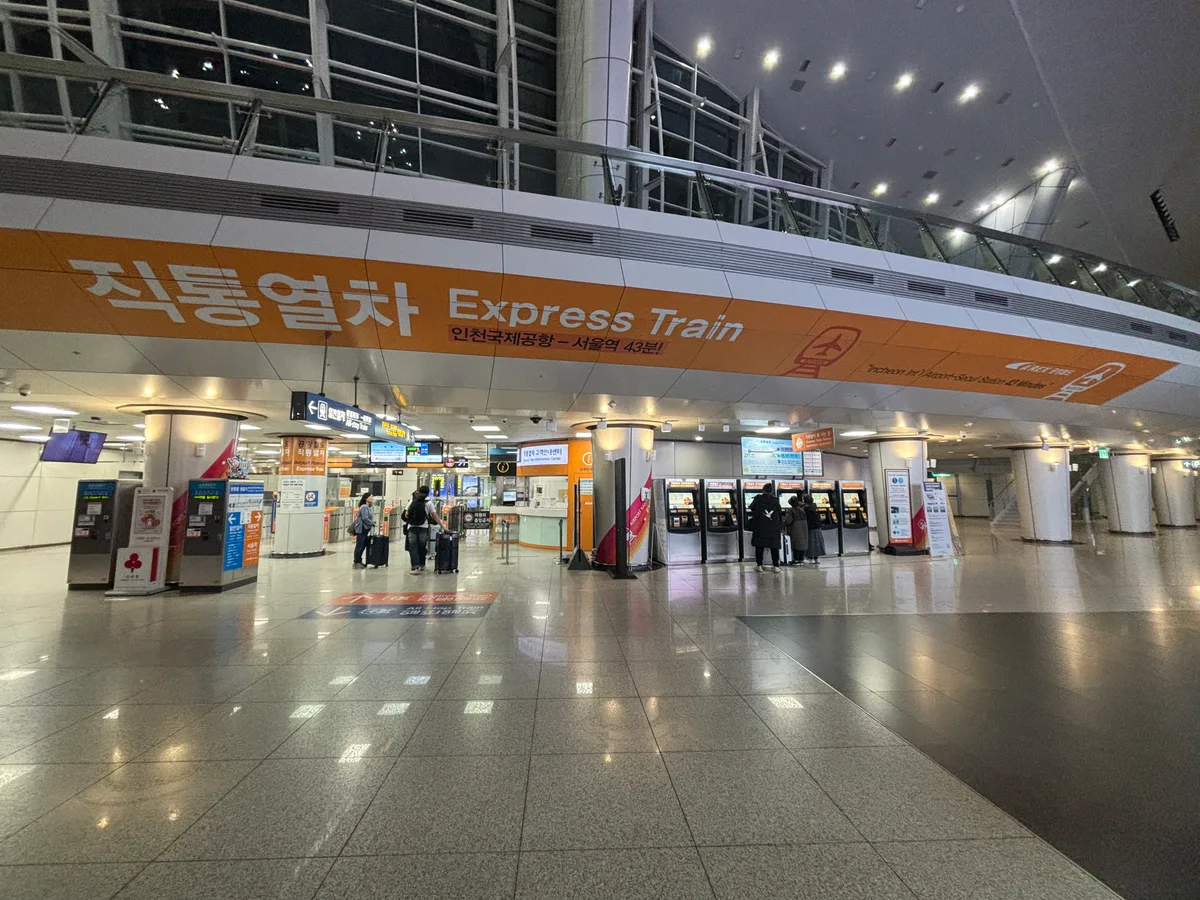
The airport’s official information helps locate services and transport while you set up. If connectivity fails, your arrival should still be possible with the saved address and documents. [3]
Airalo, Saily or a Korean visitor service?
| Option | Why compare it | The deciding detail |
|---|---|---|
| Airalo South Korea | Pretravel purchase of a country eSIM | The selected plan's data allowance, network, validity and activation policy [4] |
| Saily South Korea | App-based data plans and hotspot use | Data and optional calling/text products are separate choices [5] |
| SK Telecom visitor product | Direct operator products with different data and voice combinations | Choose the exact data-only or voice/SMS item, not just the brand [2] |
| KT visitor product | Another direct local-operator option | Confirm the live product and verification requirements before paying [1] |
Airalo's current Korea page lists SK as the primary network for the displayed country product. Saily's page describes hotspot support and offers a separate phone-number product using a US number. That is not a Korean local number and should not be bought on the assumption that it solves Korean identity-verification requirements. [4] [5]
If all you need is maps, email and messaging, compare a data plan against your existing roaming allowance first. If you need a local business to call you, ask which number type and call direction are required, then compare a local visitor voice product. If you need a particular domestic app, ask about that app by name rather than buying an expensive plan based on the word SMS.
Choose an allowance and recover from setup problems
Use your phone's recent mobile-data history as the starting point. Separate everyday maps and messaging from video uploads, streaming and laptop work. Download entertainment on Wi-Fi and decide whether cloud photo backups should wait until the hotel. This can change the required allowance more than choosing between two similar brand names.
For an illustrative ten-day trip, if you choose a planning allowance of 0.5 GB a day, the working total is 5 GB before a contingency. At 1.5 GB a day it is 15 GB. These are assumptions for your worksheet, not measured average usage. Match validity to the full trip too: enough data on a plan that expires early is not enough service.
- Install while you have a stable internet connection, following the selected provider's activation instructions.
- Label the home and travel lines so you can select the intended line for mobile data.
- Enable the travel line's required roaming setting while preventing unintended home-line data use.
- If data fails, check the selected line, coverage and provider's APN or network instructions.
- Contact support with the plan and error details before deleting the eSIM; reinstallation rules differ.
Keep the QR code private. If installation requires displaying it on a second screen, prepare that before leaving home. Do not assume that forwarding one QR code to several family members creates several usable plans. Each person's service and the group's separation during the day should be planned independently.
For a shared router, include a charging cable and agree who carries it. Compare its total rental cost and return procedure with separate eSIMs, especially if the family wants to split between shopping and sightseeing. A router left with one person cannot provide connectivity to everyone elsewhere in the city.
BEFORE YOU GO
Common questions
Will a data-only eSIM work for restaurant bookings?
It can support web or messaging bookings, but it does not automatically provide local calls, SMS or Korean identity verification. Check what the restaurant or app requires.
Can I share data with my family?
Choose a plan that explicitly permits hotspot use or a suitable router product. Also consider whether the group will split up during the day.
Which is the best operator?
There is no route-tested speed ranking here. Compare official product conditions, your device, required calling features and the places you will visit.
THE INFORMATION BEHIND THE GUIDE
References
Official and operator information checked on 9 October 2026. Recheck conditions for your own dates. The itinerary and decision examples are editorial suggestions; they are not booked services or first-hand reviews.
- Tourist eSIM services and conditions (Japanese) ↗KT · checked 8 October 2026
- Visitor SIM, eSIM and Wi-Fi router services ↗SK Telecom · checked 8 October 2026
- Incheon International Airport ↗Incheon International Airport Corporation · checked 9 October 2026
- South Korea eSIM products and plan conditions ↗Airalo · checked 9 October 2026
- South Korea data plans, hotspot and phone-number options ↗Saily · checked 9 October 2026